From the Slip Box to Responsible AI
Four essays on how notes become a knowledge system.
This research-grounded series begins with the centuries-old problem of external memory, moves through Niklas Luhmann and atomic notes, and arrives at a practical boundary for AI: accelerate the work while keeping evidence, interpretation, and human judgement visible.

01 · ORIGINSBefore the Search Bar: The Knowledge Tool That Existed Long Before Google
Zettelkasten belongs to a much older family of excerpting, commonplace books, indexes, and card catalogues. Its durable question is not how to store more, but how to keep a thought findable, revisable, and able to meet another thought later.
Historical grounding: Markus Krajewski’s Paper Machines ↗
Read on LinkedIn ↗

02 · LUHMANNThe Scholar with 90,000 Notes: What Niklas Luhmann Really Built
Luhmann built two major card collections over decades. Their value lay not in accumulating quotations, but in writing compact propositions and creating relations that could support later comparison, questioning, and selection.
Archive record: Niklas Luhmann Archive ↗
Read on LinkedIn ↗

03 · ATOMIC NOTESWhy Your Highlights Never Become Ideas
An atomic note is not merely small. It makes one source-aware proposition clear enough to test, cite, revise, and reuse. Too broad, and links become ambiguous; too fragmented, and the knowledge network loses coherence.
Practical grounding: Andy Matuschak on atomicity ↗
Read on LinkedIn ↗

04 · CONNECTED JUDGEMENTWe Are Taught in Lines. Wisdom Grows in a 3D Web.
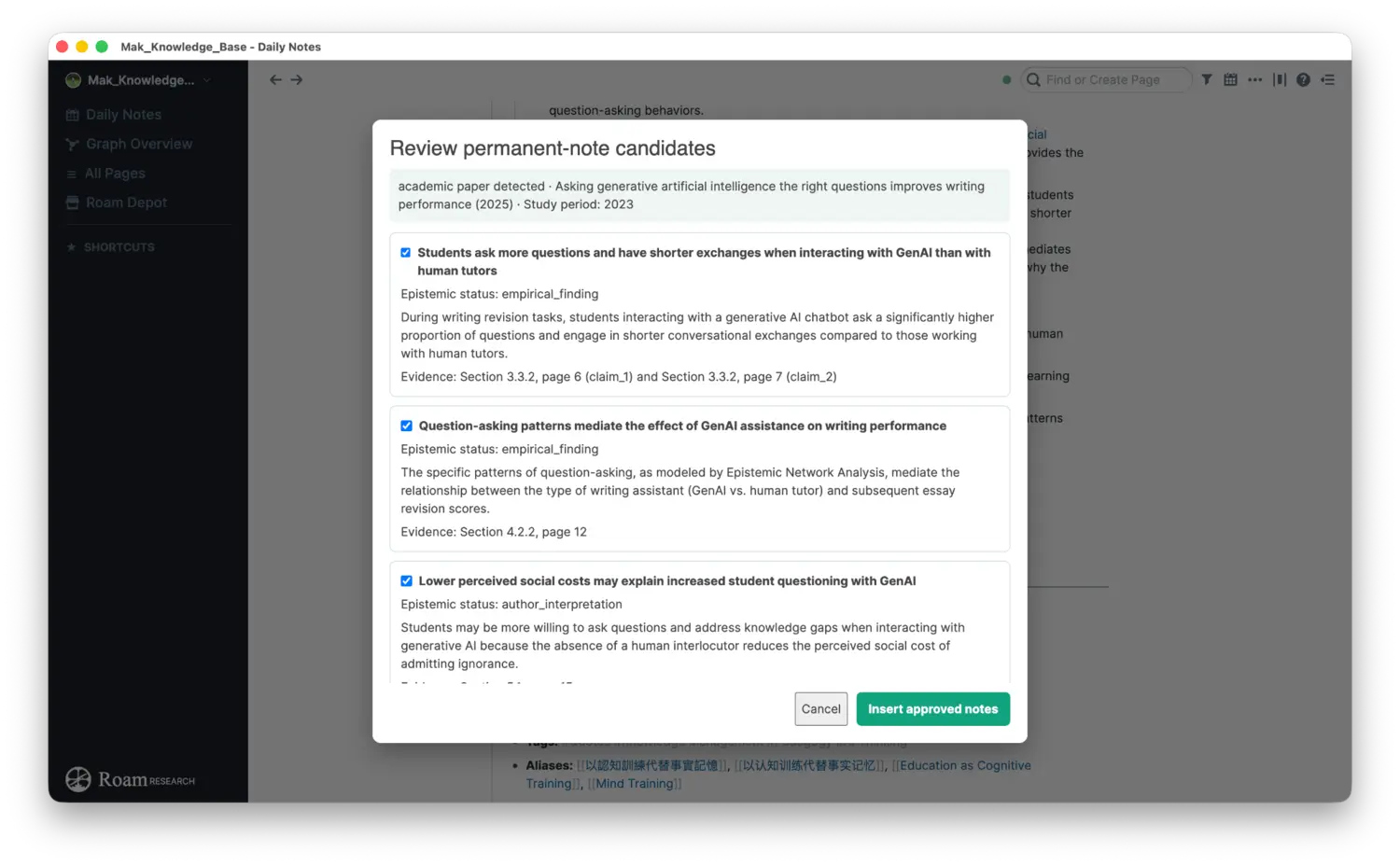
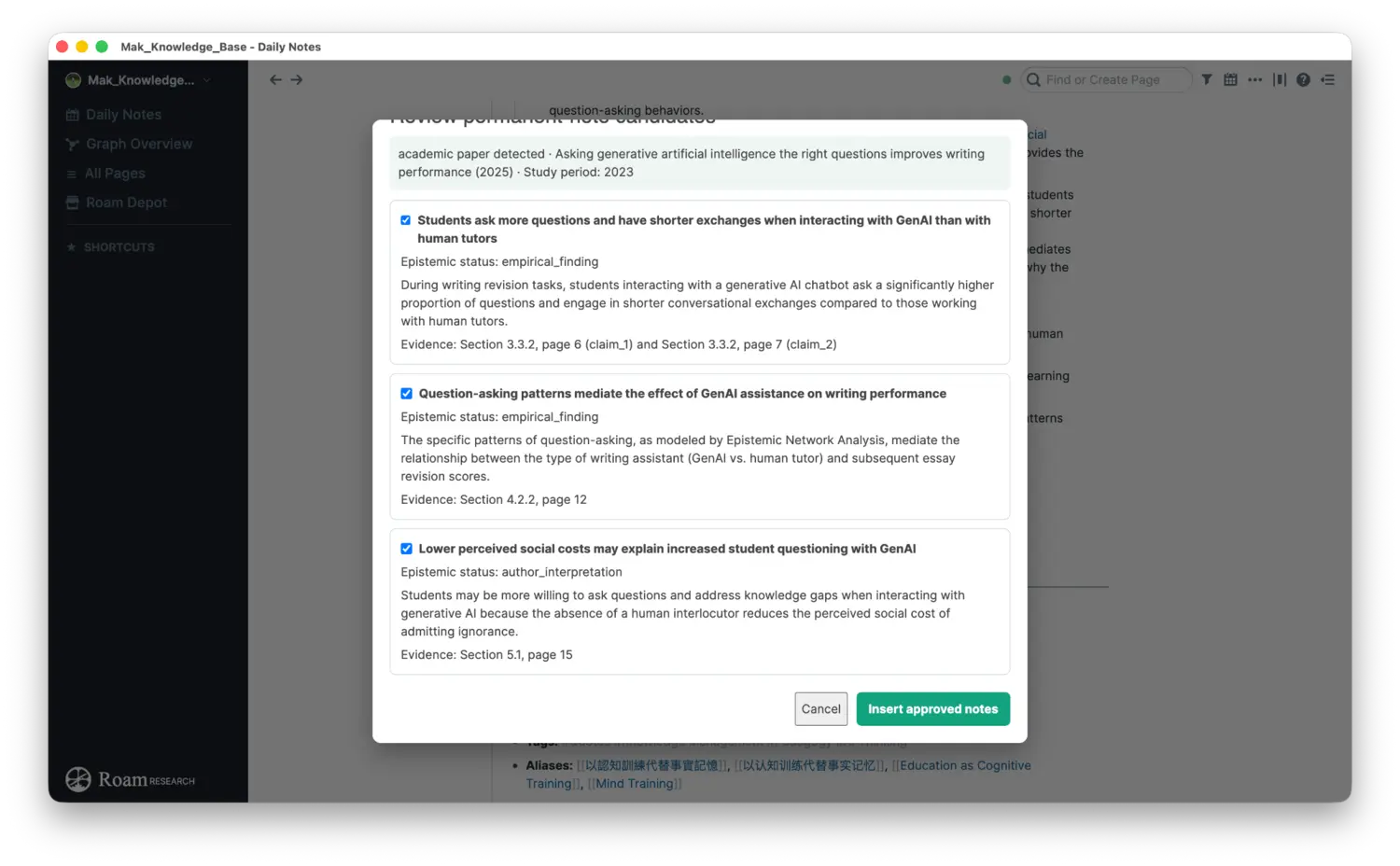
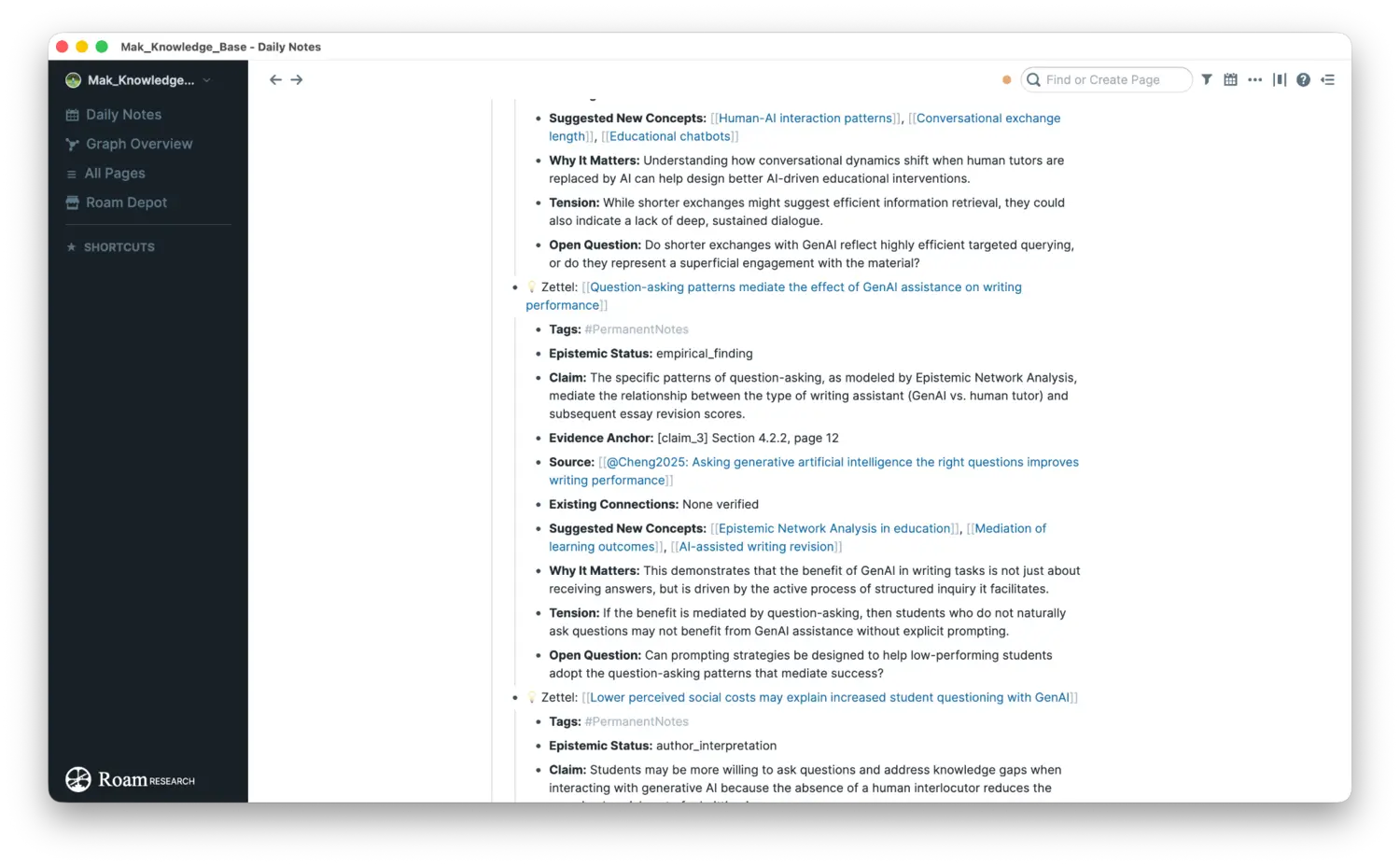
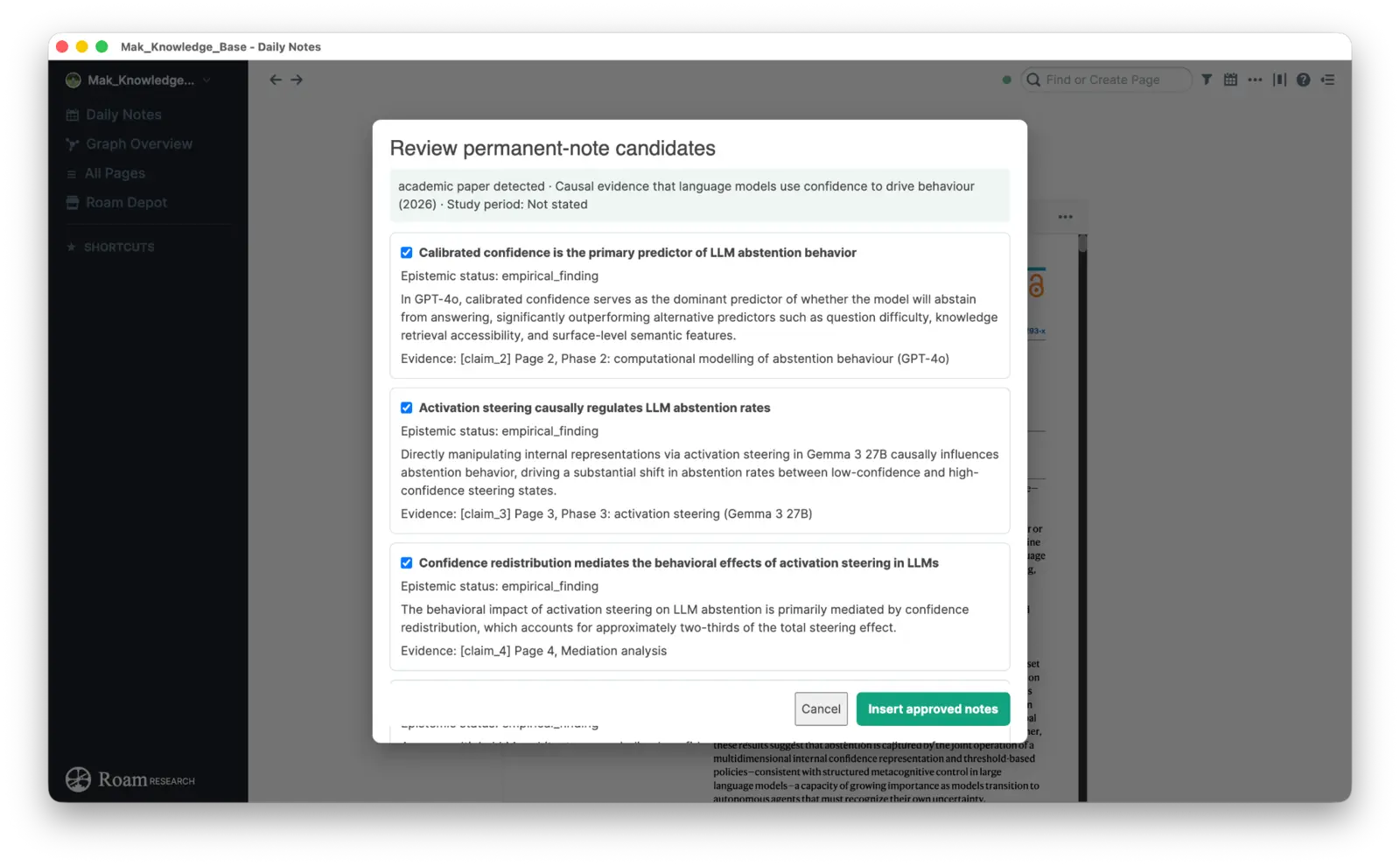
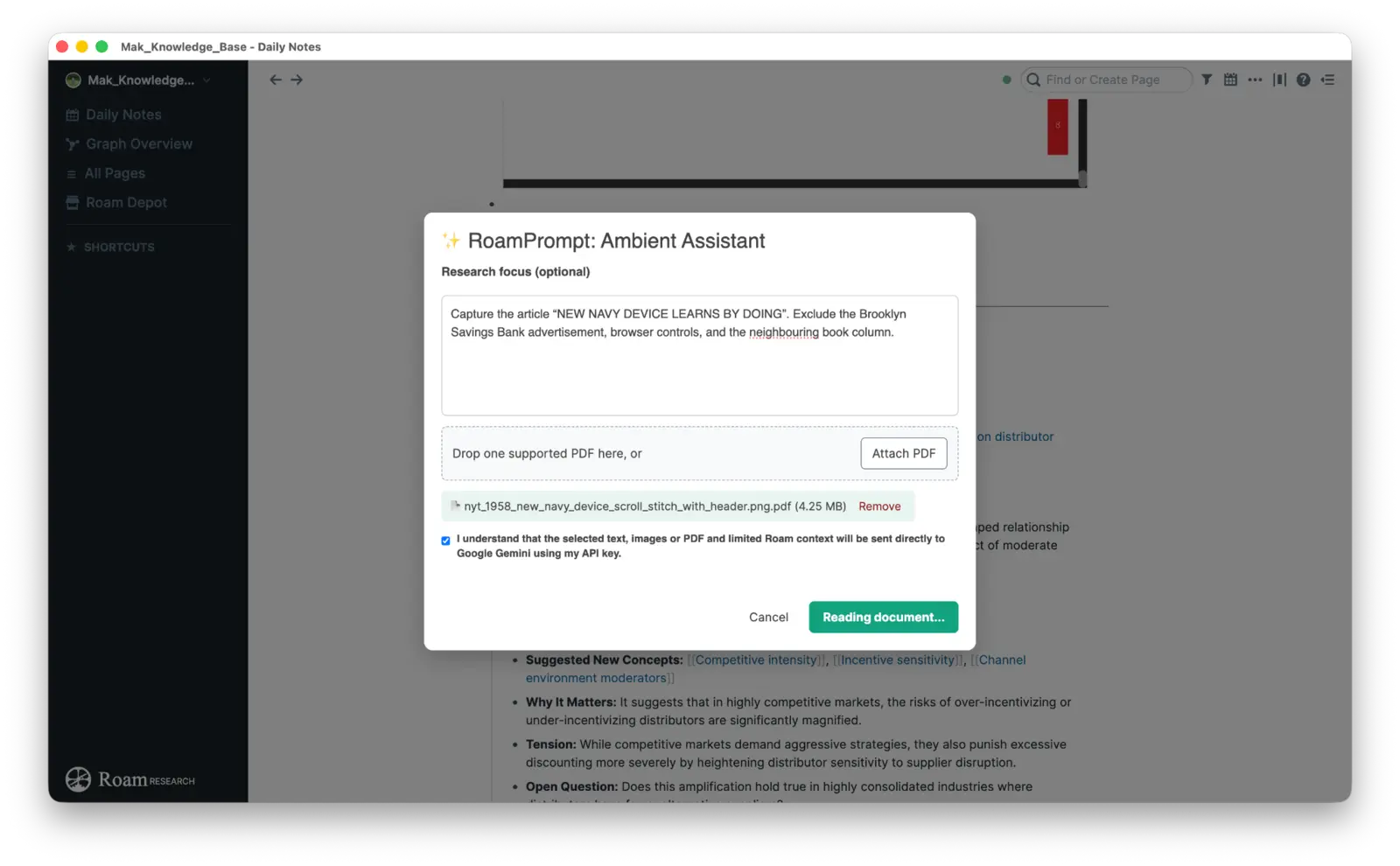
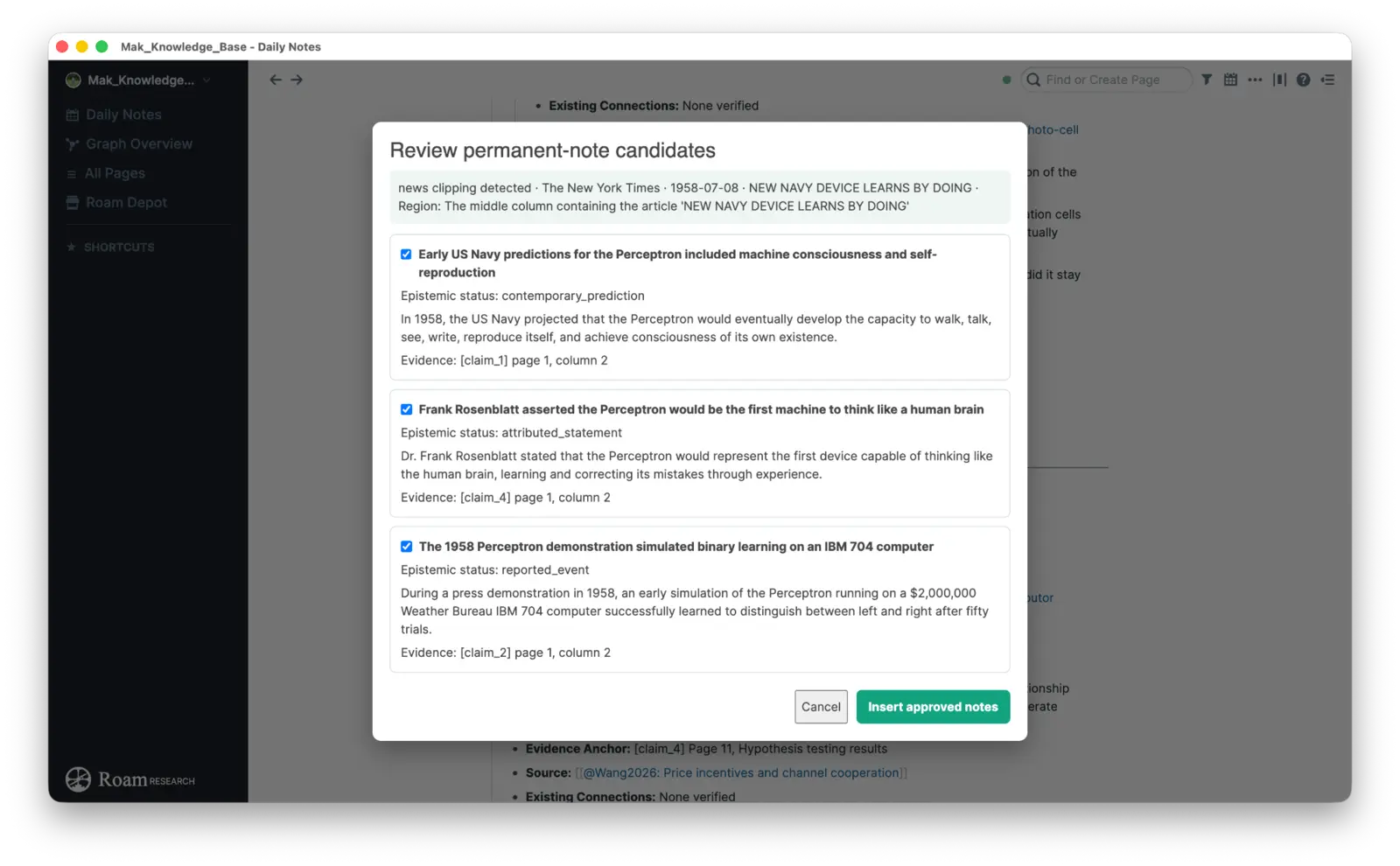
A graph can help ideas meet, but more links do not automatically create intelligence or wisdom. RoamPrompt’s Read → Structure → Review → Connect workflow accelerates reading while leaving the consequential decisions—meaning, evidence, connection, and permanence—with the user.
Current implementation: RoamPrompt v0.4.5 ↗
Read on LinkedIn ↗
The four cards use the dedicated LinkedIn covers from the final publication package. Their illustrations are editorial rather than archival; the fourth uses a conceptual knowledge graph rather than a literal brain map. Each card has a named link slot ready for its public LinkedIn URL.